How it works
From the book page to the reader’s inbox
You write the books and send readers to your store. Lanternbee takes it from the checkout to the download link.
01Your store
Where does my store live?
You start at yourname.lanternbee.shop. Connect an address like shop.yourname.com whenever you’re ready.
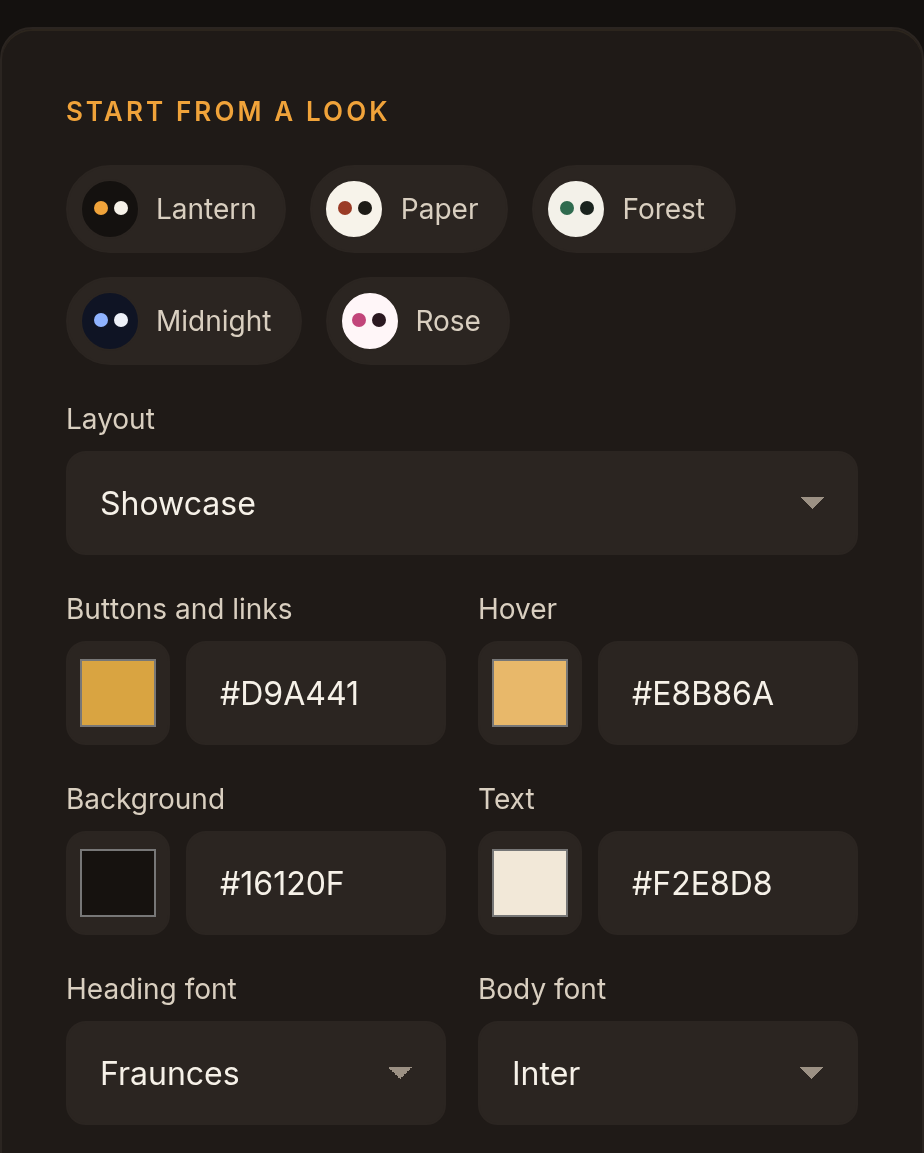
Pick your colours and fonts and add your logo. Privacy, terms and refund pages start from a template. You read them over and make them yours.
02Your books
How do I sell a book in every format?
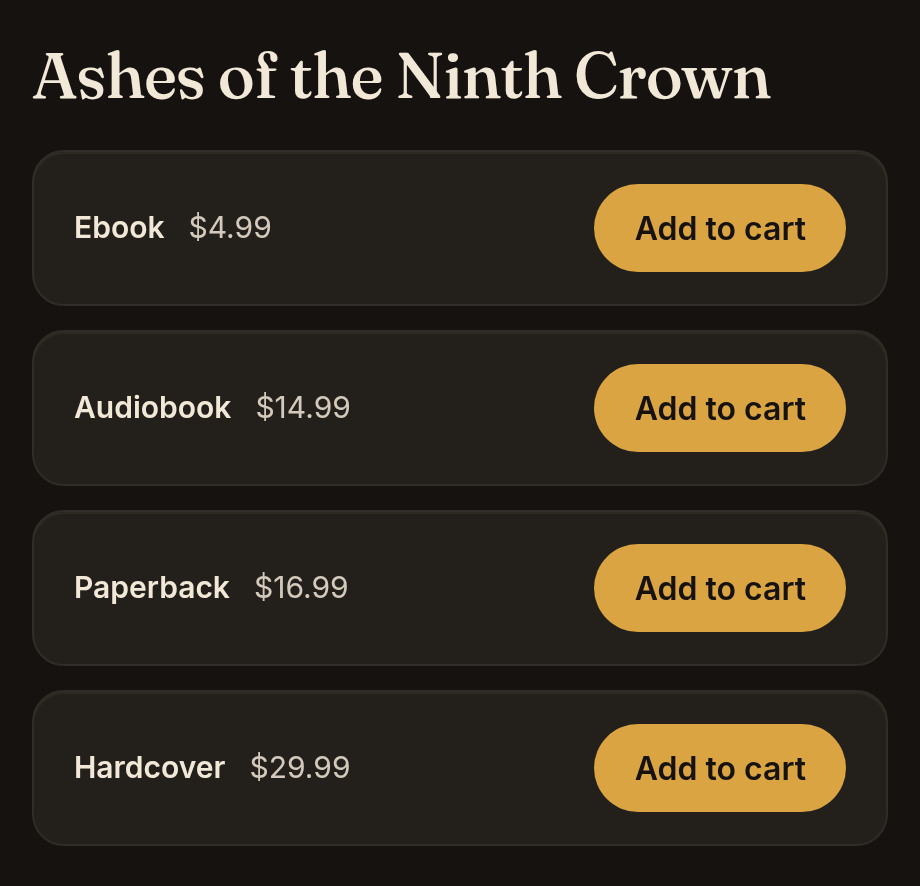
Add a title with its cover, description and genres, then switch on the formats you sell: ebook, audiobook, paperback, hardback. Each edition starts at your default price, and you can change any of them.
A cookbook works the same way as a novel. If you write series, drag the books into reading order and readers see “Book 3 of 5”.
03Checkout and payments
How do readers pay me?
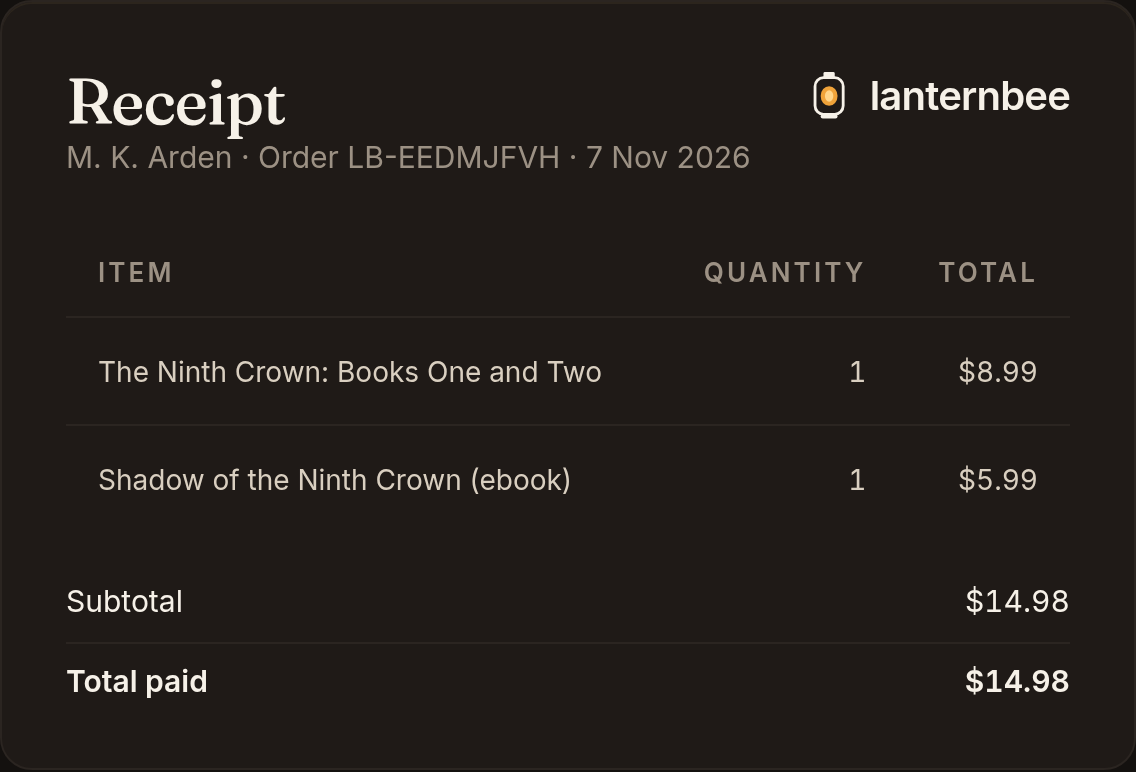
Readers check out through Stripe with just an email address, no account. Stripe Tax adds the right VAT or sales tax for their country.
The Stripe account is yours, so you are the seller and the money goes to you. Discount codes work at checkout, and a bundle charges less when the reader already owns one of its books. Turn on basket reminders and anyone who leaves books in the basket gets a nudge by email.
04Delivery
How do readers get their books?
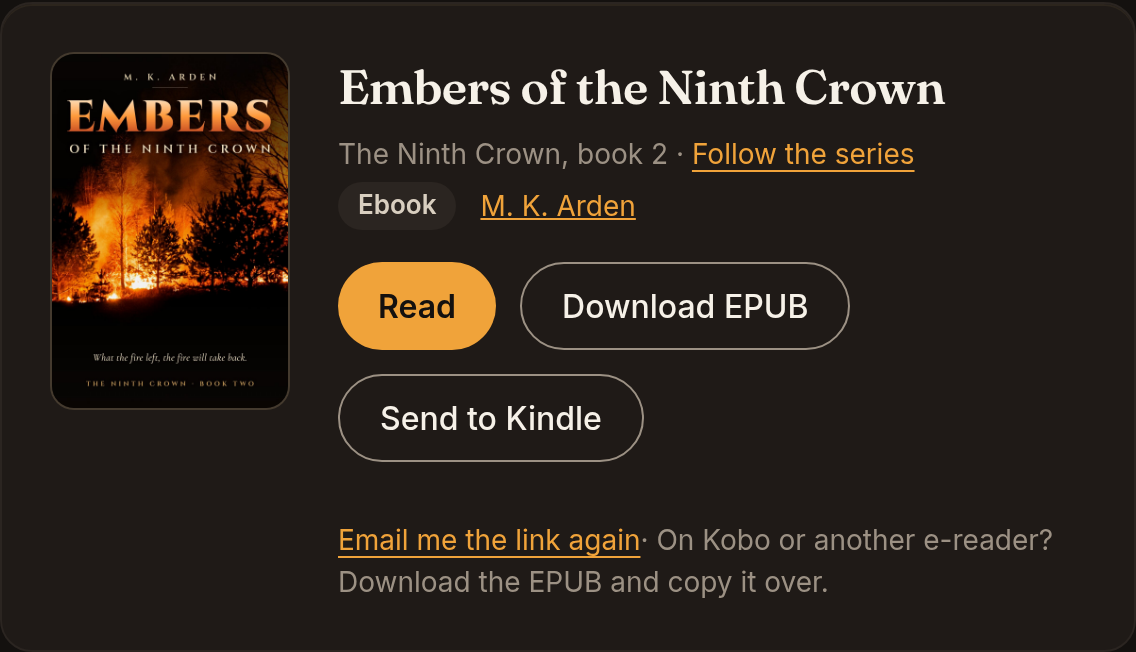
The download links arrive by email right after payment. Ebooks open in the browser or go straight to a Kindle, and audiobooks play in the browser or download to any phone or computer. Instead of DRM, each EPUB carries a line with the buyer’s email.
If the email goes missing, readers sign in with their address and find every book they bought, from you and from any other Lanternbee author, in one library. You answer fewer “where’s my book?” messages.
05Print
How do print books work?
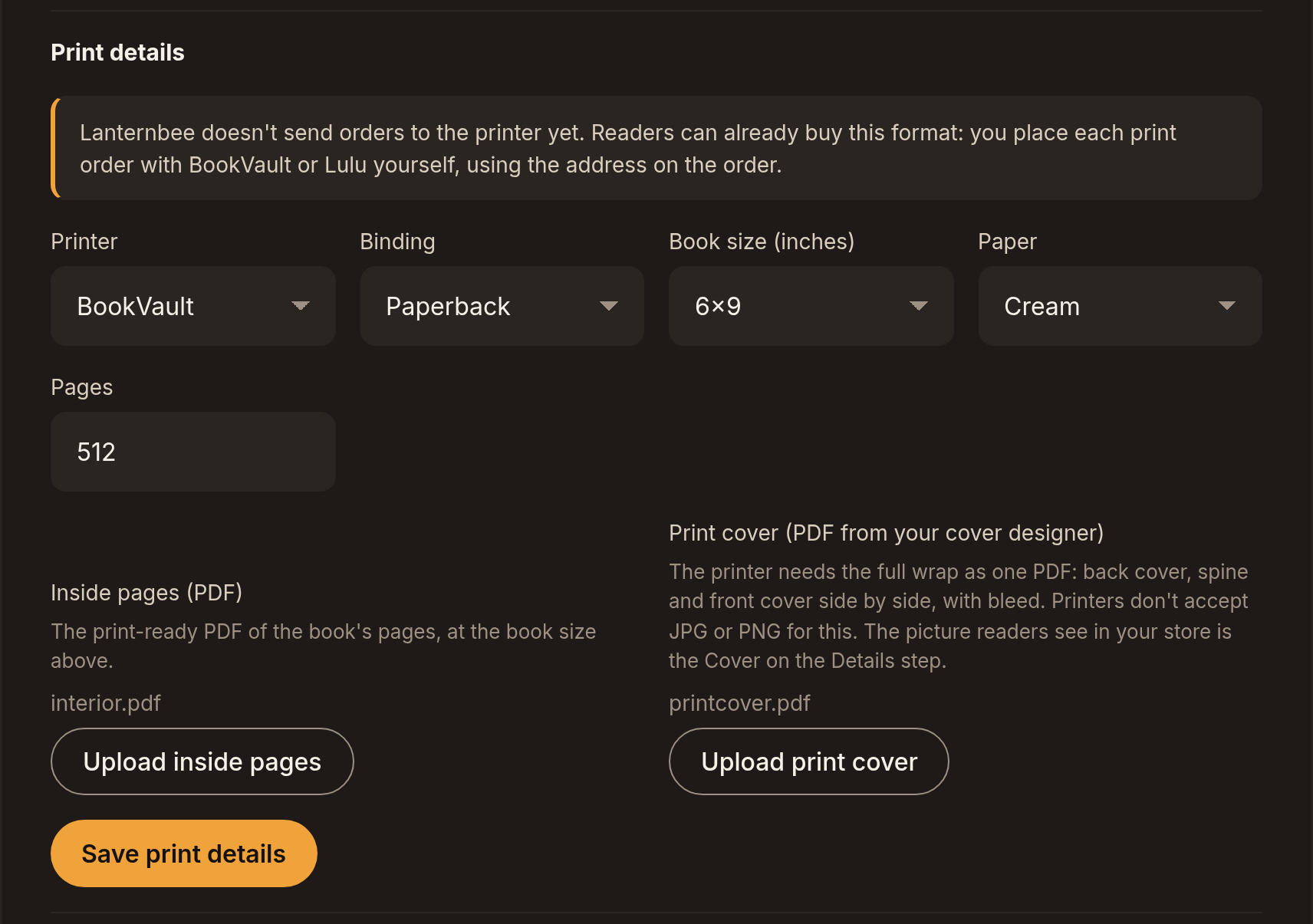
Choose BookVault or Lulu for each print edition and upload the print files once. Sending each paid order to the printer, so it ships straight to the reader, is being built now. You’ll pay the printer’s price with nothing added.
To post copies yourself, set your shipping zones. Lanternbee counts your stock, so you never sell a copy you don’t have. Readers can add a dedication to a signed copy, and the To ship page lists what to sign and post and prints the packing slips.
06Readers
Do I get my readers’ emails?
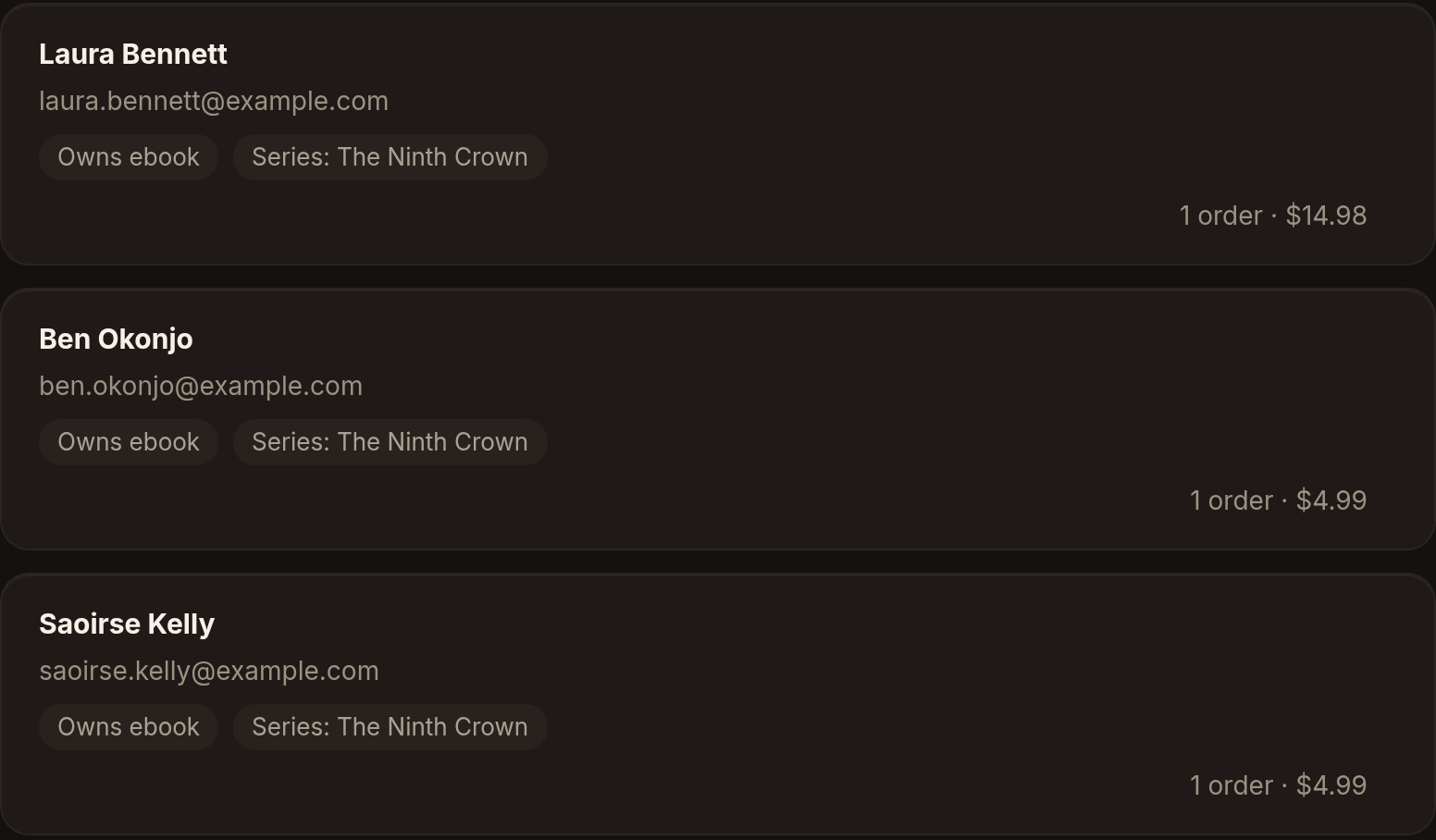
Each buyer’s email comes to you, tagged with the book and the format they bought. Write to the readers of one book or one series on release day, or switch on a welcome email.
Pre-order buyers get an email the day the book comes out, and readers who follow a series hear about the next book. If you use MailerLite or Klaviyo, keep them. New readers are copied there too.
Your published books are also listed on Lanternbee Books, our new reader site, with a Buy from the author button that leads to your store. It’s on every plan, and you can switch it off.
07Moving from Shopify
Can I bring my Shopify store?
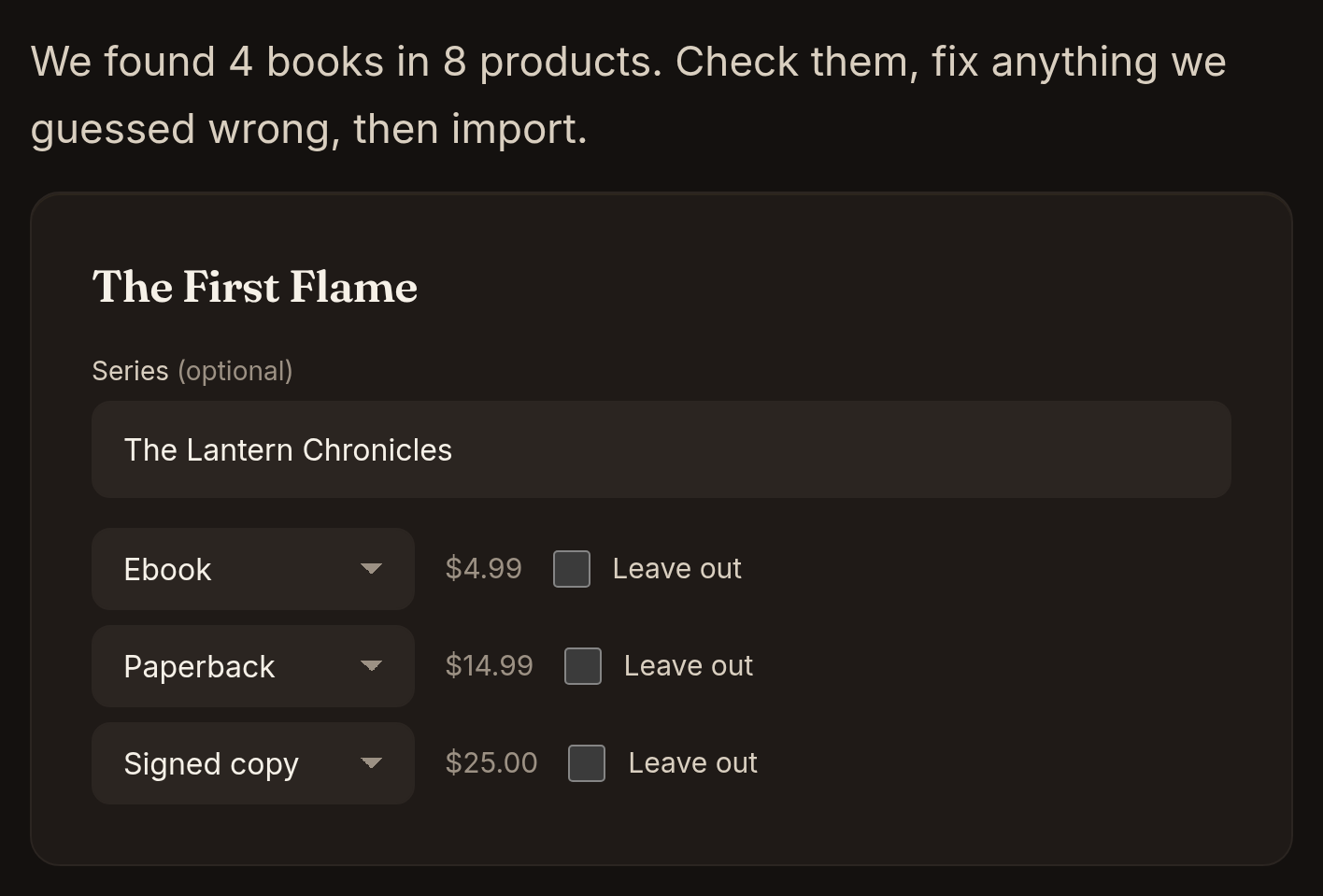
Connect Shopify and the importer turns products into books and editions, and collections into series. Readers, orders and discount codes come across too.
You check a preview before anything goes live. Old links keep working once your old shop address points to your Lanternbee store. Addresses without www need path forwarding turned on at your domain provider.
08Later
Coming after launch
- EU VAT on ebooks handled for you, with Lanternbee as the seller of your digital editions
- Sending print orders to BookVault or Lulu, so each copy ships straight from the printer
Not open yet
Save your place
We’re opening Lanternbee to authors a few at a time. Leave your email and we’ll write when your store is ready to set up.
Free to join. No card.